
Firefox Addons I Use
ClearURLs
Remove tracking elements from URLs. Stop Google, Amazon, etc. from following you around the internet by adding parasites to the end of links you click on. This addon works automatically in the background so it’s just set it & forget it. If you’re worried about supporting creators through affiliate links, you can whitelist them through the settings.
Proton Pass
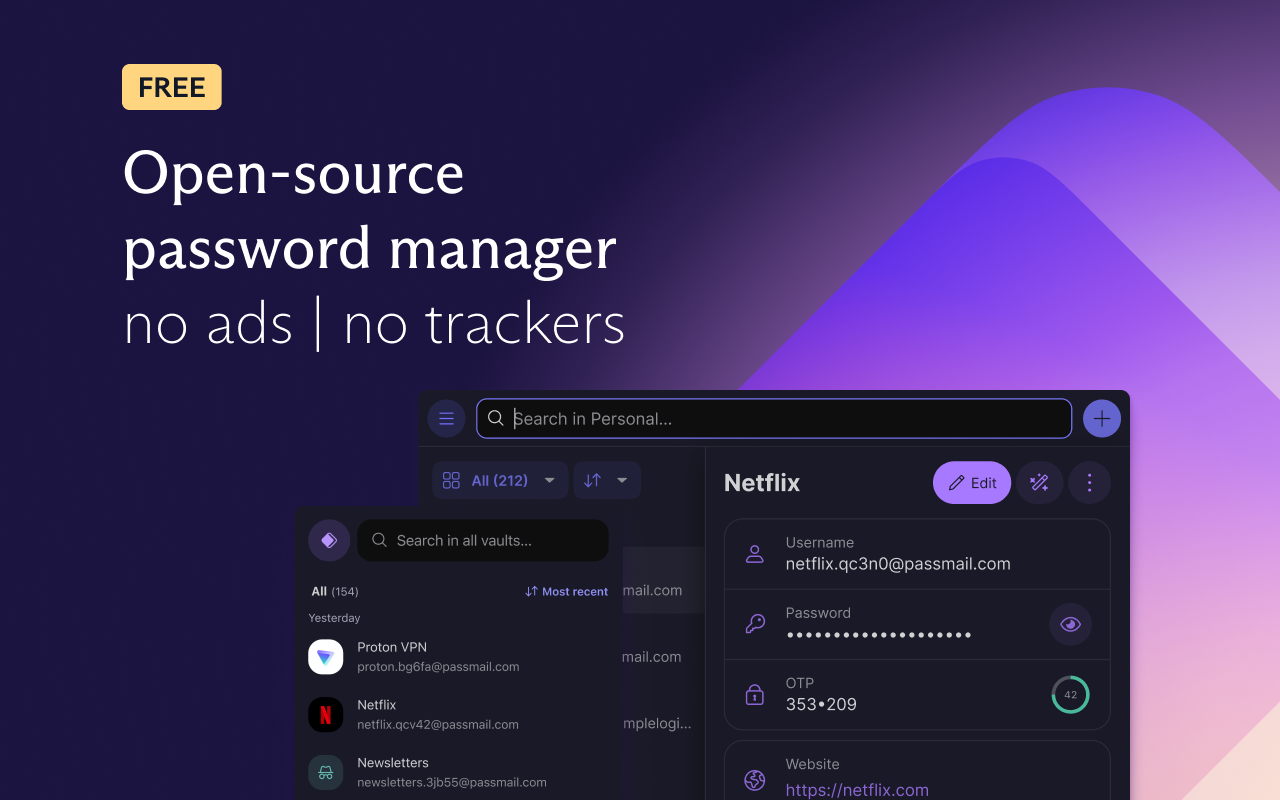
My password manager of choice. While I’m paying for a Proton Mail Plus plan, it means I’m still on the free tier of Proton Pass, which kinda sucks because I’d really appreciate having unlimited aliases. I’m not quite rich enough to splurge on the Unlimited plan, especially considering I’d only use half the included features. I wish they let me pick and choose which pro features I wanted. Regardless, it’s a solid password manager although it does struggle to locate login boxes on certain websites.
Remove Login With Google

A lot of websites are integrated with Google and show an annoying pop up in the top right corner of the page (as shown above). This addon does exactly what it says on the tin. Removes that annoying popup.
Return YouTube Dislike

Undo YouTube’s worst decision. With how universally disliked (haha) this change was, I’m not sure why they still haven’t walked back on it.
SponsorBlock

This might be controversial but I think life is too short to sit through sponsored segments. This addon also lets you automatically skip intros, outros, self-promotions, interaction reminders, etc. sending you straight into the meat of a video. I do whitelist some channels that have funny sponsor segments though, like Internet Historian who always seems to be pushing the boundaries of what a sponsor is willing to accept as “promotion”.
Tab counter
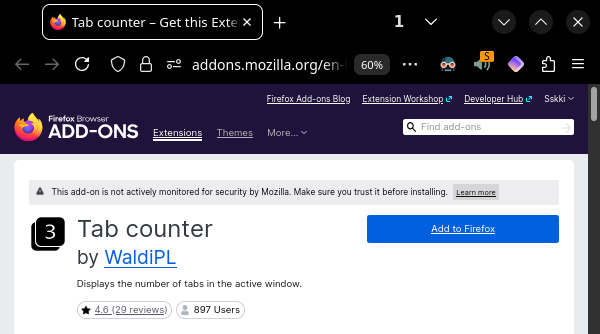
Not sure why this isn’t a built-in feature. To copy my look: in the addon’s preferences, set “Background style” to “No background”; right click the top of your browser, “Customize Toolbar” and drag the extension (after pinning it to toolbar) to the top. Not strictly necessary but it’s a nice quality of life feature.
uBlock Origin

uBlock Origin is not an “ad blocker”, it’s a wide-spectrum content blocker with CPU and memory efficiency as a primary feature
But there’s a pretty obvious reason it’s one of the most popular addons out there. The team‘s tirelessly fighting the good fight for us and I thank them for their valiant effort.

LibRedirect

So many social media sites demand you log in just to view a post, but there are plenty of open source alternative front-ends focused on privacy and performance. This addon lets you pick and choose which links you want to automatically redirect pages to their alternative equivalents. Personally, I redirect Reddit to Redlib and Twitter/X to Nitter. I shouldn’t need to make an account just to see public posts.
Redirector
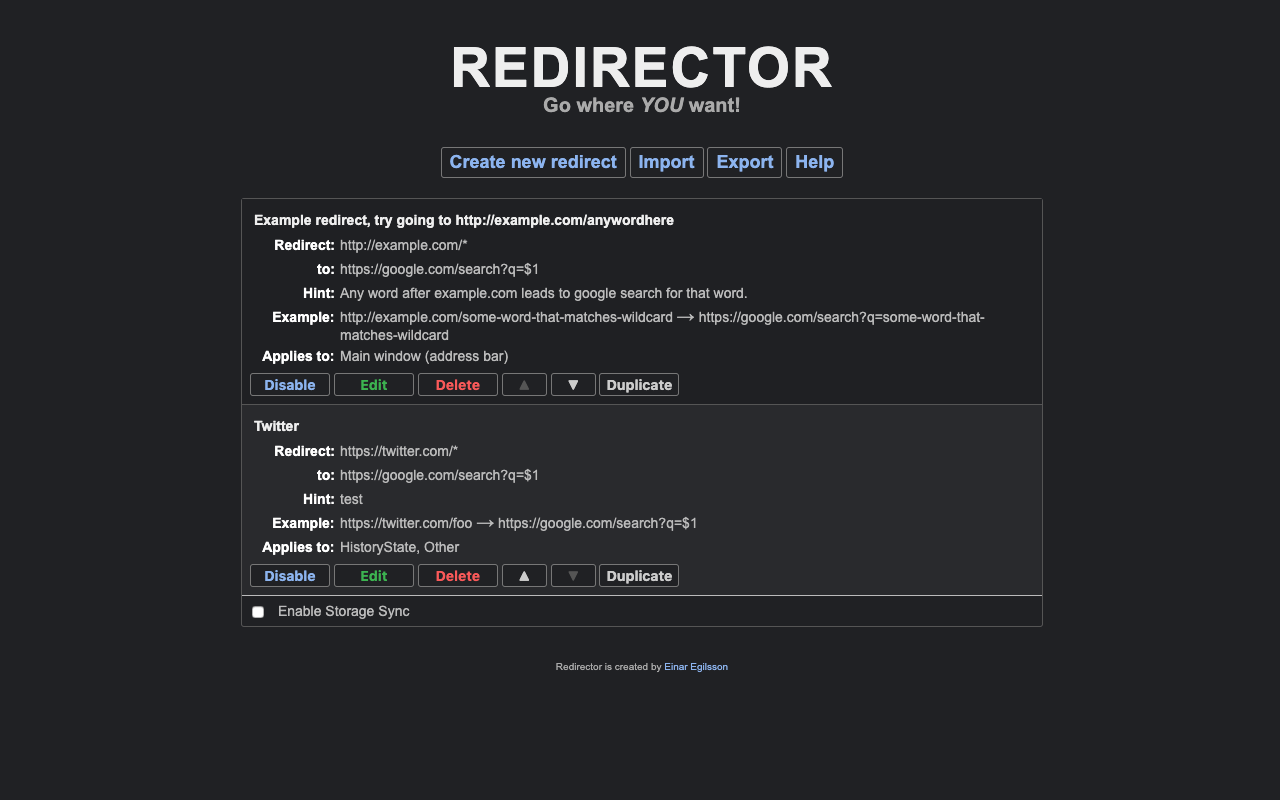
A plugin that lets you create custom redirect rules. I’m currently using to redirect my YouTube homepage to my Watch later playlist. I’m trying to fix my YouTube binging problem by skipping my homepage recommendations and only watching the videos I saved for later. I’ll get back to you on how well that goes.
RemoveElement
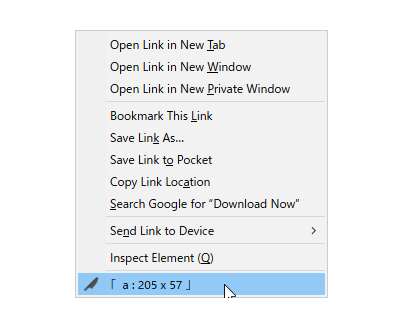
While you can remove elements through the built-in developer tools, this addon adds it as a context menu item. I use it mostly for getting rid of advertisement overlays and other stuff I don’t like on screen when there’s no obvious dismiss button.
Rotate Image

This addon adds a context menu item which allows you to rotate an image on a web page in 90 degree steps. Not sure why this isn’t a built-in feature. It’s pretty useful when looking at phone images that aren’t formatted properly.
Stereo/Mono Toggle

Not sure why the developer used a different name for the addon and its store page, but it does what it says on the tin. Every now and then, I’ll come across a YouTube video where the audio is panned completely into one ear which I find absolutely unbearable (I’m usually in headphones). Being able to switch to mono audio on command is a real life saver.
YouTube Music Share Links to Spotify

I’m currently on my family’s YouTube Premium plan which includes YouTube Music. It almost certainly has THE widest range of music compared to any other streaming service because it has access to the billions of videos on YouTube proper. So it doesn’t make sense for me to pay for Spotify on top of that. But literally everyone else I know uses Spotify so when I want to share a song I’m currently listening to, it’s nice having a convenient button to generate an equivalent Spotify link. To be clear, the addon only generates a search results page link rather than linking to the exact song but I think that’s the best we can do without using AI or manual sorting.